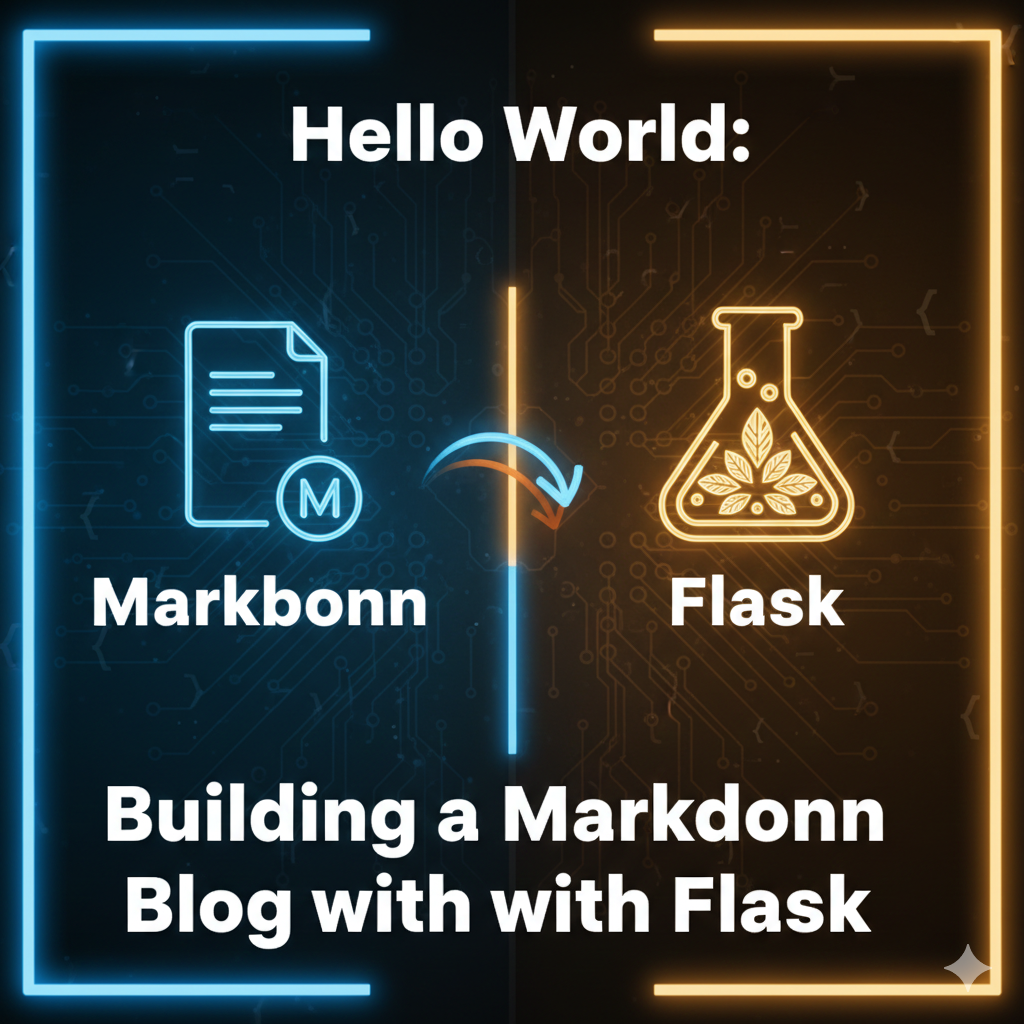
Hello World: Building a Markdown Blog with Flask
Welcome to My Blog! 🎉
This is my first blog post, and I’m excited to share how I built this Markdown-based blogging system. As an engineer who loves clean, simple solutions, I wanted a blog that:
- Easy to write - Just create a Markdown file
- Fast to load - No database queries needed
- Version controlled - Everything in Git
- Portable - Move your content anywhere
The Tech Stack
Here’s what powers this blog:
| Component | Technology |
|---|---|
| Backend | Flask (Python) |
| Markdown Parser | python-markdown |
| Frontmatter | python-frontmatter |
| Syntax Highlighting | Pygments |
| Styling | Tailwind CSS |
How It Works
1. Writing Posts
Every blog post is a simple Markdown file with YAML frontmatter:
---
title: "My Amazing Post"
date: 2025-02-04
tags:
  - Python
  - Tutorial
---

# Your content here...
2. The Blog Engine
The blog engine scans the posts/ directory, parses each Markdown file, and caches the results using Python’s @lru_cache decorator:
@lru_cache(maxsize=1)
def _load_all_posts_cached(self, cache_key: float) -> List[BlogPost]:
    posts = []
    for filepath in self.posts_dir.glob("*.md"):
        post = self._parse_post(filepath)
        if post:
            posts.append(post)
    return sorted(posts, key=lambda p: p.date, reverse=True)
3. Code Highlighting
Code blocks are automatically highlighted using Pygments. Here’s an example with Python:
def fibonacci(n: int) -> int:
    """Calculate the nth Fibonacci number."""
    if n <= 1:
        return n
    return fibonacci(n - 1) + fibonacci(n - 2)

# Test it
for i in range(10):
    print(f"F({i}) = {fibonacci(i)}")
And here’s some bash:
# Clone the repo
git clone https://github.com/muhsinkompas/website.git
cd website

# Build and run with Docker
docker-compose up -d --build
Features I’m Planning
Here are some features I want to add:
- RSS Feed - For those who still use RSS readers
- Search - Full-text search across all posts
- Comments - Probably using GitHub Discussions or similar
- Series/Collections - Group related posts together
- Reading Progress - Show progress bar while reading
Conclusion
Building a Markdown-based blog was a fun weekend project. The simplicity of flat-file content management is really appealing - no database to backup, no complex admin panel, just text files and Git.
“Simplicity is the ultimate sophistication.” - Leonardo da Vinci
If you have any questions or suggestions, feel free to reach out!
Thanks for reading! Stay tuned for more posts about AI, backend development, and autonomous systems. 🚀